Download TikTok Videos
& Photo Slideshows
Paste any TikTok link - videos, photo slideshows, or audio - and save in HD. No watermark, no signup, totally free.
10M+
Videos Downloaded
100%
Free Forever
HD
Quality Always
0
Signups Required
Love SaveReel?
Support us with a small USDT donation and keep the service free for everyone.
Lightning Fast
Get your video or photos in seconds. No waiting, no delays.
No Watermark
Download clean videos and images without the TikTok watermark.
Videos & Slideshows
Supports both TikTok videos and photo slideshow posts. Download all images at once.
Any Device
Works perfectly on mobile, tablet, and desktop.
How to Download TikTok Videos
Copy the Link
Open TikTok, find the video you want to save, tap "Share" and then "Copy Link".
Paste & Download
Come to SaveReel, paste the link in the input box above, and hit the Download button.
Save Your Video or Photos
Preview the content, then choose to download the video, all slideshow images, or just the audio. That's it!
See It in Action
SaveReel handles both TikTok videos and photo slideshows — paste any link and get the original content instantly.
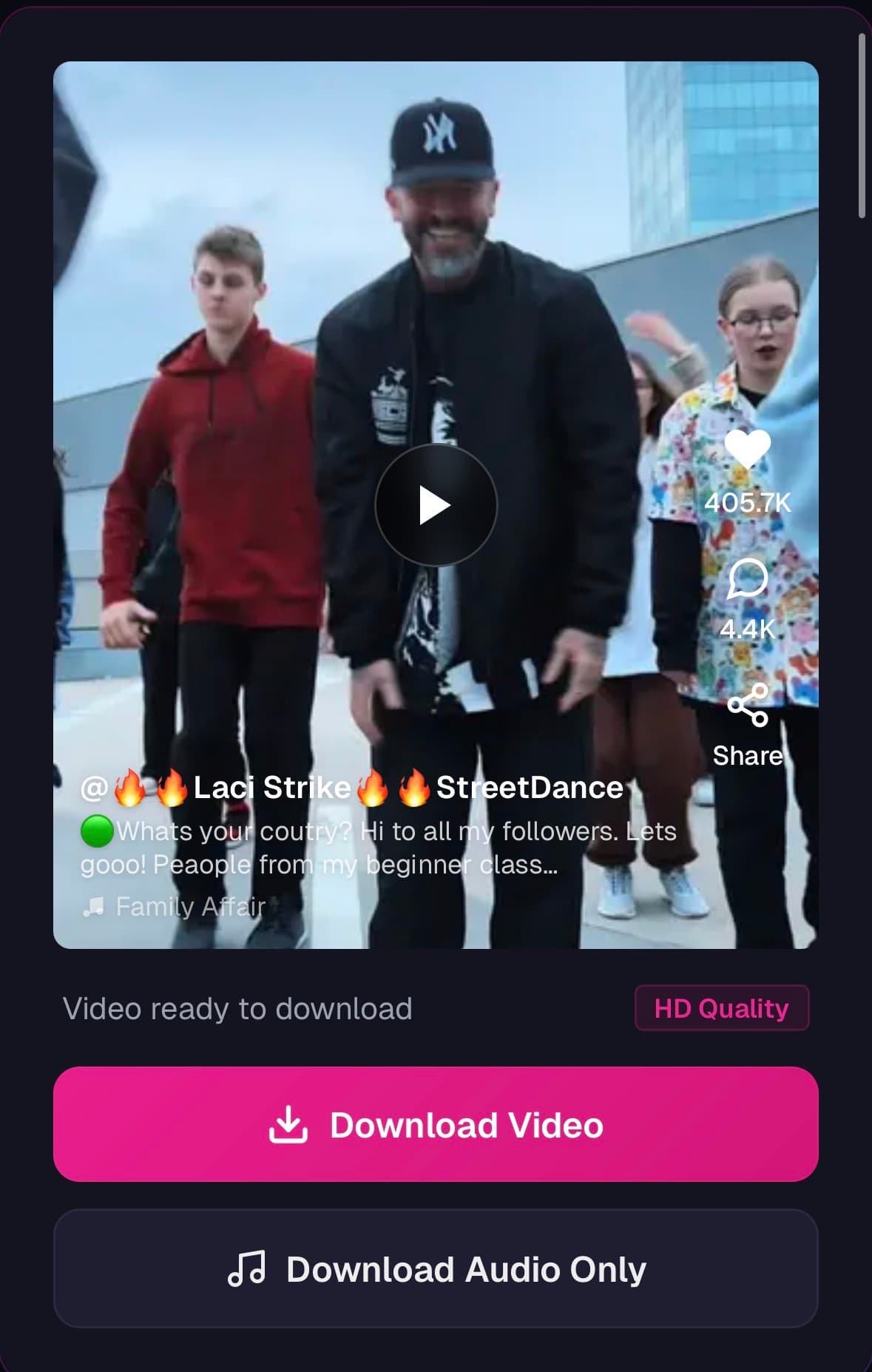
Download TikTok Videos
No watermark · HD quality · Free
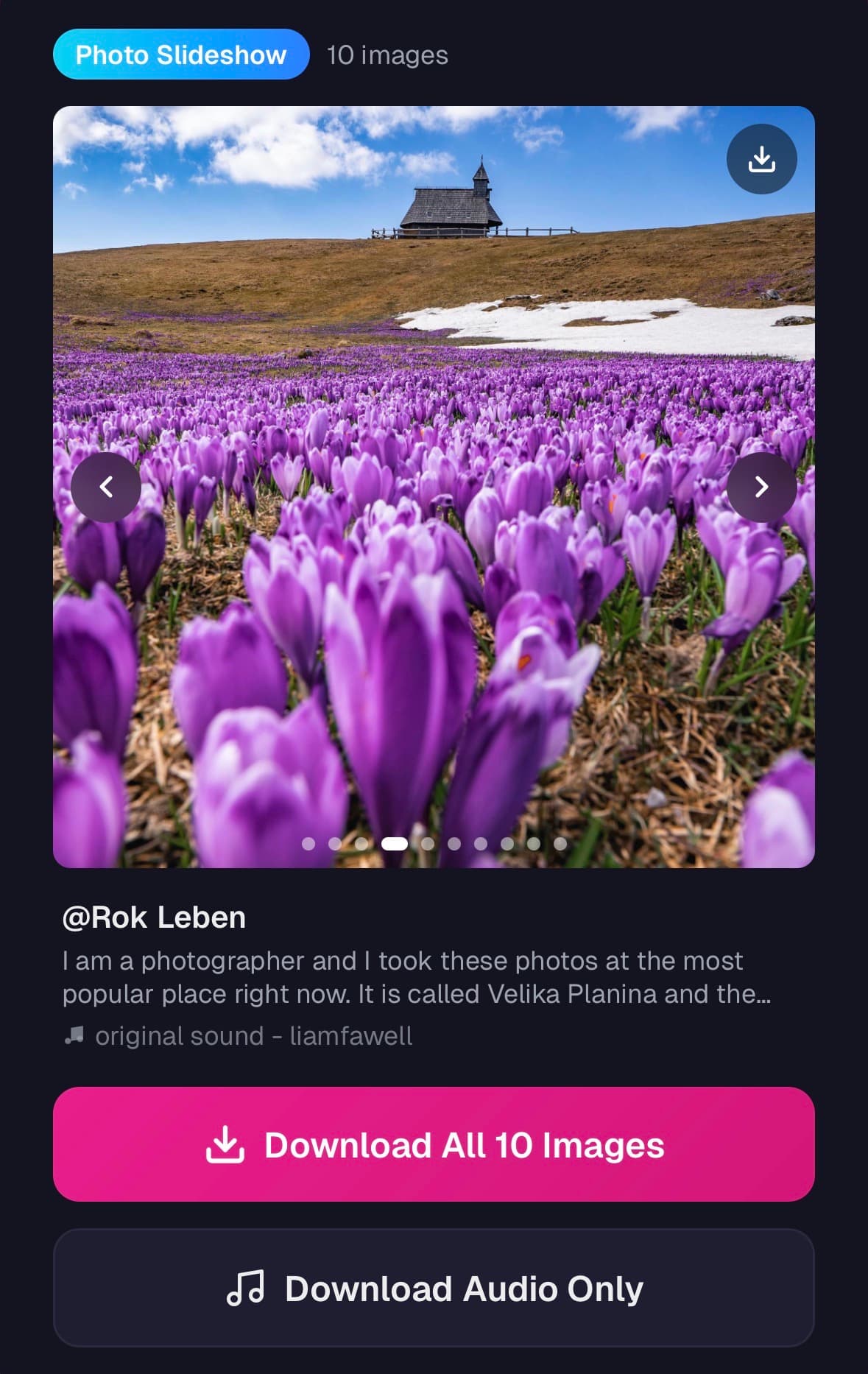
Download Photo Slideshows
No watermark · HD quality · Free
Why Choose SaveReel?
TikTok's built-in save adds a watermark and limits quality. SaveReel gives you the original file — clean, fast, and free.
What You Can Do With SaveReel
More than just a downloader — here's how people use SaveReel every day.
Offline Viewing
Save your favourite TikToks to watch later — on a plane, commute, or anywhere without Wi-Fi. Your saved videos stay on your device and play instantly without buffering.
Share With Anyone
Send TikTok videos to friends and family who aren't on the platform — via WhatsApp, iMessage, email, or any messaging app. No TikTok account needed to watch.
Back Up Your Own Content
TikTok accounts can be suspended or videos removed without warning. Download your own TikToks to keep a permanent backup of your content library on your own device.
Content Research
Marketers, creators, and researchers can save trending videos for analysis, inspiration, or reference. Study what's working in your niche without needing to stay logged in to TikTok.
Extract Audio & Music
Found a great song or sound on TikTok? Download just the audio track to identify it on Spotify, use it in your own projects, or listen offline without needing the video.
Watch on Any Screen
Download TikTok videos and cast or transfer them to your TV, tablet, or laptop. Enjoy vertical content on a bigger screen without being tied to the TikTok app.
From the Blog
Guides and tips to get the most out of TikTok
10 TikTok Tips Every Content Creator Should Know in 2025
Practical tips for TikTok creators to grow their audience, improve video quality, and make the most of the platform's features.
May 8, 2025 · 6 min read
How to Download TikTok Videos on iPhone and Android (2025 Guide)
A device-specific guide to saving TikTok videos to your camera roll on iPhone and Android, including common issues and fixes.
May 1, 2025 · 5 min read
How to Download Audio and Music from TikTok Videos
Step-by-step guide to extracting audio and music from any TikTok video, including tips for saving trending sounds.
Apr 25, 2025 · 4 min read